













Kiosk (Driver Check-In)
Definition
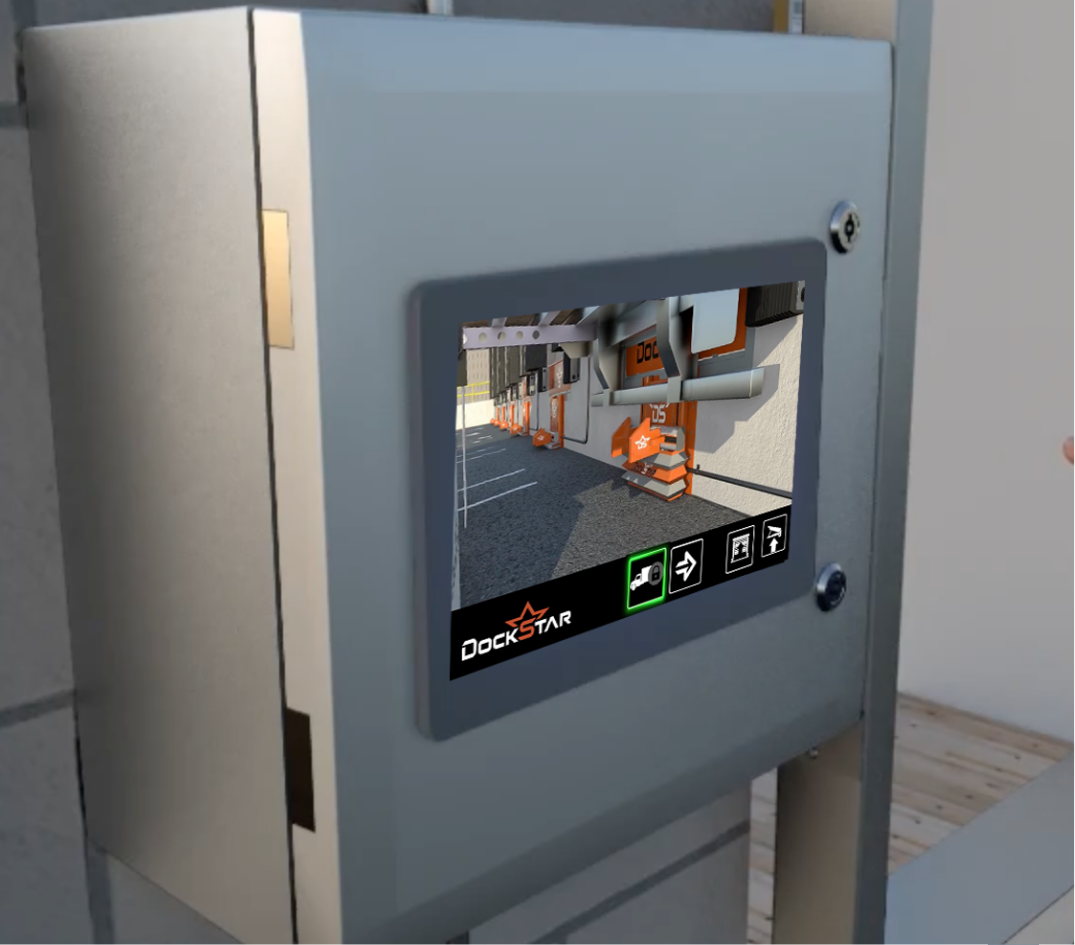
A driver check-in kiosk is a self-service touchscreen or tablet station, typically located at a facility’s guard shack or yard entrance, where truck drivers check in, confirm load and appointment details, and receive a dock door assignment without waiting on office staff.
What Does Kiosk Mean?
A check-in kiosk replaces paper sign-in logs, radio call-ins to the office, and manual guard-shack processing, all of which create bottlenecks, especially during shift changes or high-volume windows. A kiosk moves that first step to a self-service touchscreen.
It’s typically the “front door” of a broader yard management system (YMS) — the data a driver enters at the kiosk, like carrier, load or PO number, trailer number, and appointment time, feeds directly into dock scheduling.
Key Characteristics
- Self-service — usually a walk-up touchscreen, sometimes paired with a driver mobile app
- Feeds yard scheduling — check-in data typically flows into a YMS or dock scheduling system
- Positioned at the entrance — driver-facing, before a trailer ever reaches a dock door
- Pays off at volume — most valuable where daily trailer volume or shift complexity creates a real bottleneck
Why Kiosk Matters at the Dock
A check-in kiosk is driver-facing, at the yard entrance, before a trailer ever reaches a door. That’s a different piece of technology from operator-facing touchscreen systems used at the dock itself, like DockStar’s Loading Dock Control System, which digitizes door, restraint, and leveler operation once a trailer is backed in. Both push a facility toward fewer manual steps and more consistency, but they solve different parts of the process.
Related Terms
FAQs
Is a check-in kiosk the same as a yard management system?
No, the kiosk is typically one interface into a broader YMS, not the whole system.
Do drivers need an app to use a kiosk?
Not necessarily. Most are walk-up touchscreens, though some facilities pair them with a driver mobile app as an alternative.
What information does a kiosk typically collect?
Carrier name, load or PO number, trailer number, and appointment time are common fields.
Can a kiosk assign dock doors automatically?
Yes, when it’s integrated with a yard management or dock scheduling system.
Do smaller facilities need a check-in kiosk?
Not always. Kiosks tend to pay off most where daily trailer volume or shift complexity creates a real check-in bottleneck.

Check out some of our recent projects!
Real Projects. Real Customers. Real Solutions.
DockStar Industrial coordinated a large commercial wire mesh storage locker project, including delivery follow-up, supplier coordination, installation planning, site visit support, and final project details for approximately 100 storage lockers.
Read MoreDockStar Industrial supplied and installed a railcar dock seal for an industrial loading door, helping improve weather protection, reduce air and debris intrusion, and support railcar loading operations.
Read MoreDockStar Industrial supplied wire security storage lockers for a new apartment building in Mineola, Long Island. The project included 4' x 4' x 7'-6" tenant storage lockers designed for secure resident storage, bike storage, and efficient storage room organization.
Read More