













Automated Guided Vehicle (AGV)
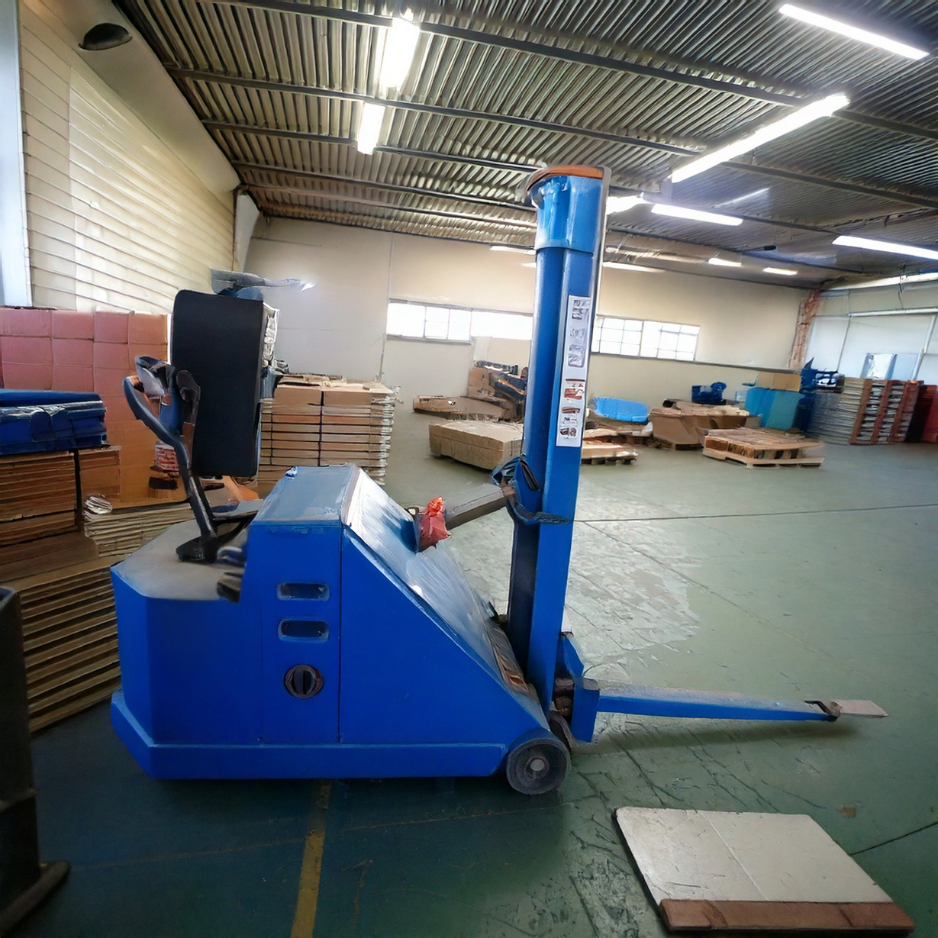
Definition: Automated Guided Vehicles (AGVs) are driverless, computer-controlled vehicles that move materials through factories, warehouses, and distribution centers along predefined paths. They use guidance methods such as magnetic tape, QR/vision markers, inductive wires, or laser navigation to travel safely between pickup and drop-off points—often moving pallets, totes, and carts between receiving docks, storage, production, and shipping.

Why AGVs matter for dock operations
AGVs can take product directly from the trailer (via conveyor interface or pallet handoff), move it through staging, and deliver it to storage or production—without tying up forklifts or adding foot traffic at your busiest doors. They shine in repeatable, high-volume routes where consistency and safety are critical.
How AGVs work (quick overview)
- Guidance & Localization – follow tapes, markers, or laser reflectors; some use natural-feature vision/LiDAR.
- Fleet Management – software assigns missions, avoids traffic conflicts, and optimizes routes/charging.
- Safety Systems – scanners and bumpers slow/stop for people or obstacles; lights and sounders signal movement.
- Charging – manual battery swaps, automatic opportunity charging, or inductive charging in dwell zones.
- Interfaces – WMS/ERP/MES integrations trigger pick/drop missions; conveyors or levelers enable dock handoffs.
Common AGV types
- Tugger/Tow AGVs: pull carts on milk-run routes.
- Unit-Load/Conveyor AGVs: carry totes/cases, often to/from production lines.
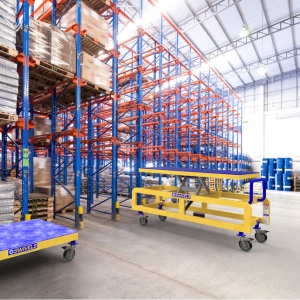
- Fork AGVs (pallet handlers): pick/place pallets at floor positions or low racking.
- Automated Carts (AGCs): low-profile carriers moving bins between cells.
AGV vs. AMR (mobile robot)
| Topic | AGV | AMR |
|---|---|---|
| Navigation | Predetermined paths (tape/wire/reflectors) | Dynamic, map-based (LiDAR/vision) |
| Flexibility | Best for fixed, repeatable routes | Adapts to layout changes and obstacles |
| Throughput predictability | Very high on fixed routes | High, but can vary with traffic |
| Typical use | Milk runs, dock ↔ staging | Case picking, dynamic tasks |
Tip: In many sites, AGVs handle repeatable dock-to-staging, while AMRs support flexible picking. Your operation may benefit from a hybrid approach—our high-speed doors, restraints, and barriers support either path.
Benefits
- Safety & fewer forklift miles: reduce near-misses around dock doors.
- Consistent cycle times: reliable, shift-to-shift throughput.
- Lower operating cost per move: especially on long, repeatable routes.
- Data visibility: every mission is tracked for continuous improvement.
Considerations & prerequisites
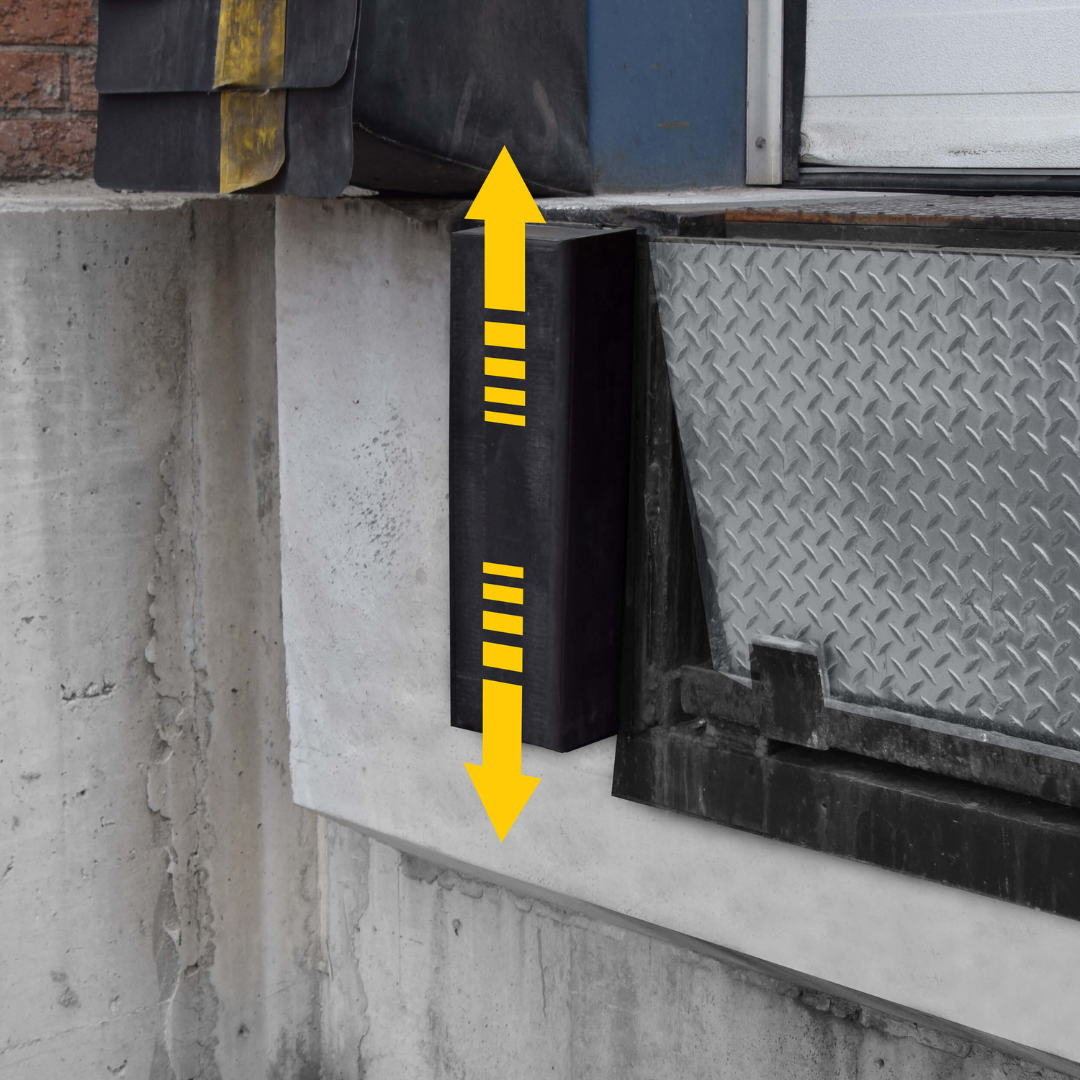
- Smooth transitions: pair AGVs with the right dock leveler and dock bumper profile.
- Trailer control: use vehicle restraints so trailers don’t creep during handoffs.
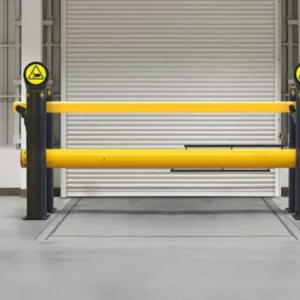
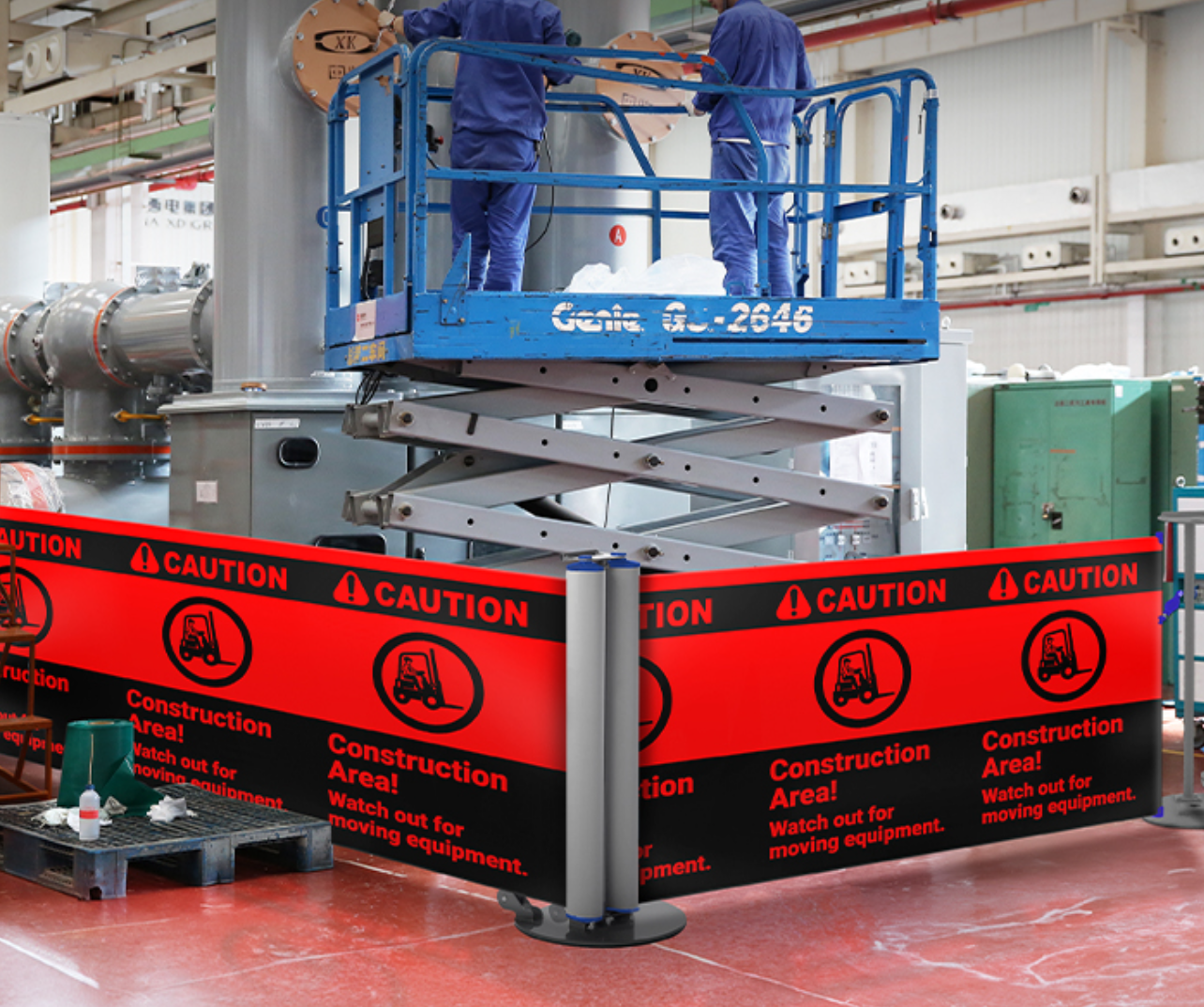
- Clear lanes: add barriers/guardrail and floor markings to keep humans out of robot paths.
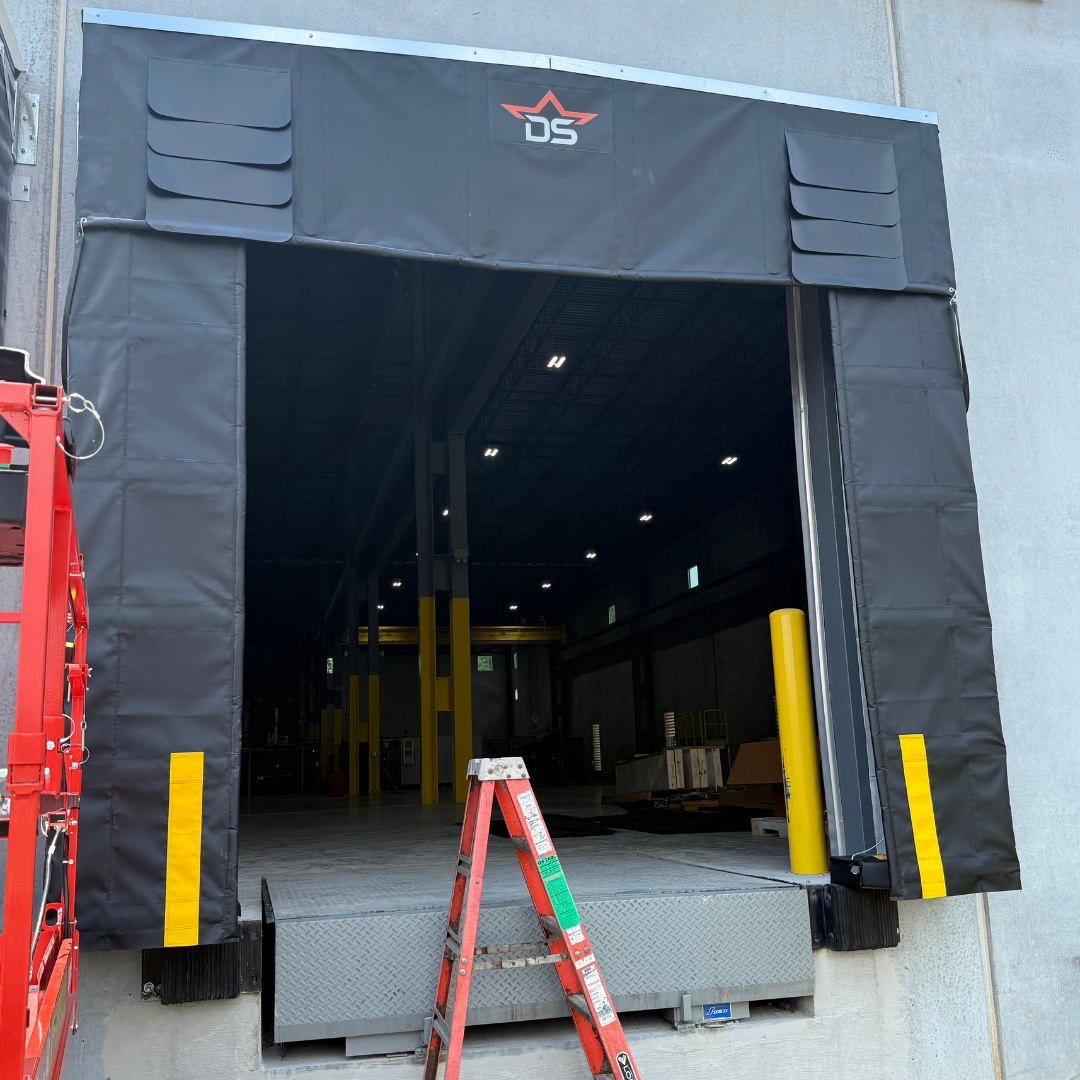
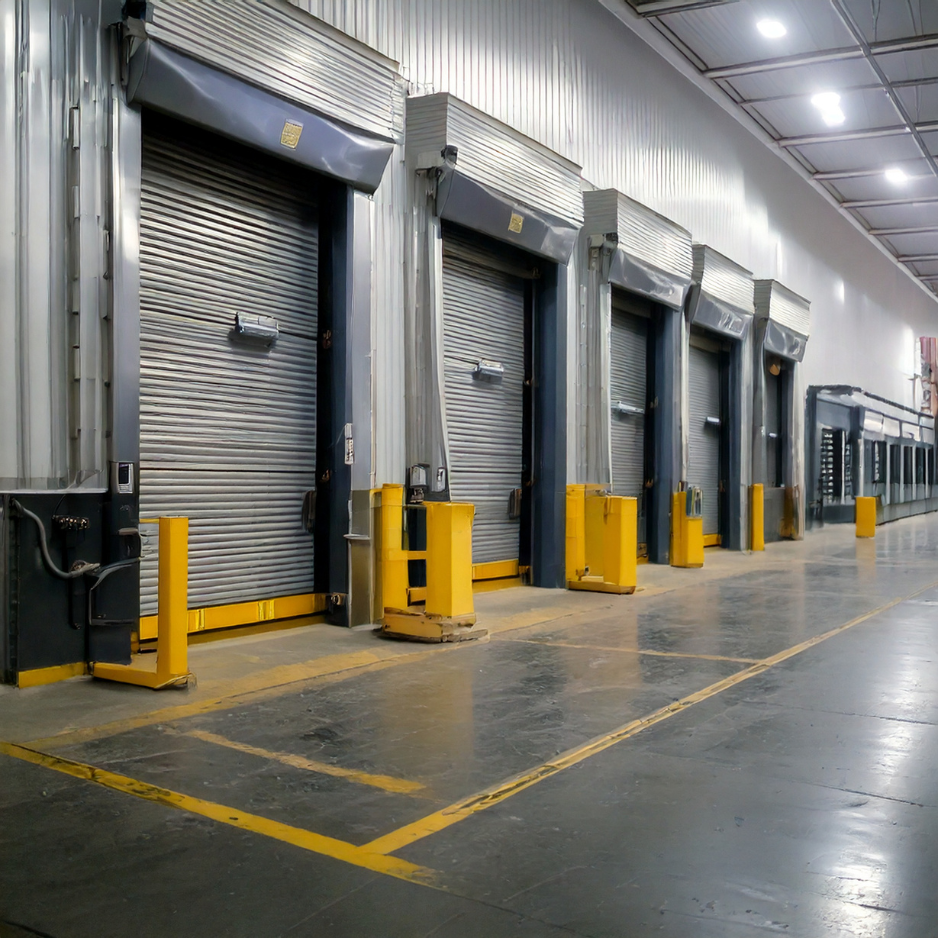
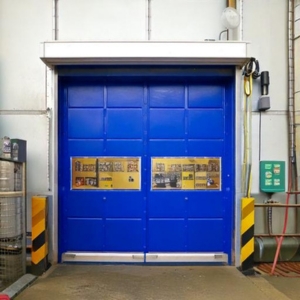
- Door strategy: high-speed doors with sensors prevent AGV bottlenecks at openings.
- Charging zones: plan guarded, ventilated areas; wire for future capacity.
- Change management: train teams; update SOPs and maintenance plans.
Implementation checklist (fast start)
- Map your top 3 repeatable routes (often dock ↔ staging/putaway).
- Validate floor quality, slopes, thresholds; select levelers/seals by trailer mix.
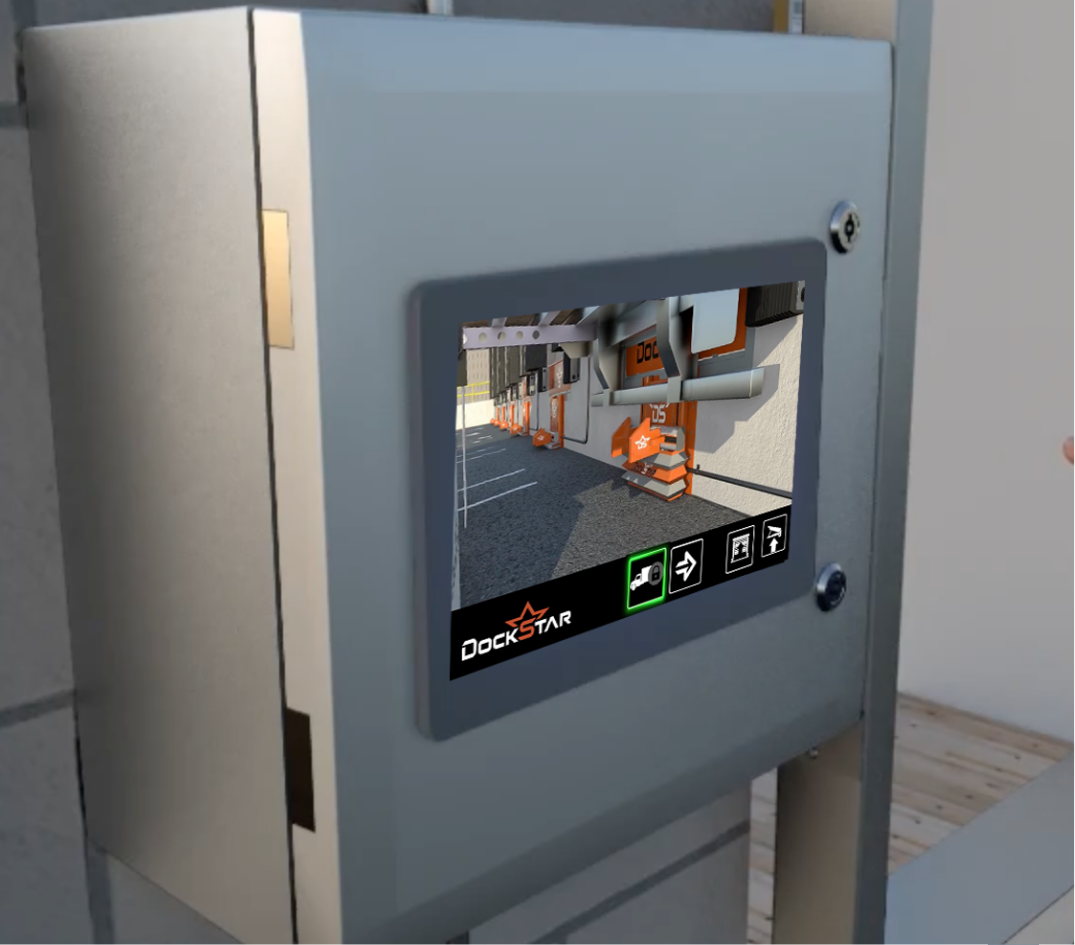
- Add restraints, comm lights, and door sensors to protect the AGV right-of-way.
- Define handoff mechanics (pallet at floor? conveyor transfer? telescopic conveyor?).
- Plan charging & service access with barriers and signage.
- Integrate with WMS/ERP for mission triggers and scan/label events.
FAQs about AGVs
What does “AGV” stand for and what do they do?
Automated Guided Vehicles move materials autonomously along predefined paths—commonly pallets, totes, and carts—between docks, storage, and production.
How do AGVs navigate?
They follow tape, wire, QR/AprilTags, or laser reflectors; some use natural-feature LiDAR/vision but still run fixed routes. Route changes require moving markers or updating maps.
AGV vs. AMR—which should I choose?
Pick AGVs for high-volume, fixed routes (dock ↔ staging). Choose AMRs where layouts change often or you need dynamic case picking. Many facilities deploy both.
Can AGVs work at loading docks?
Yes—especially with vehicle restraints, dock levelers, seals/shelters, and dock signals. These reduce trailer movement, smooth transitions, and give AGVs right-of-way cues.
What industries use AGVs?
Automotive, food & beverage, 3PL/e-commerce, consumer goods, pharma, and heavy industry—anywhere with repeatable material flow.
How fast are AGVs and how much can they carry?
Most run at walking speed and handle loads from totes to full pallets depending on the model. Throughput is driven more by routing and dock interface than top speed.
What does an AGV system cost?
Budgets typically include vehicles, guidance infrastructure, fleet software, charging, and dock/door upgrades (levelers, restraints, sensors, barriers). Start with a pilot on one or two high-ROI routes.
Do I need special floors or dock equipment?
You’ll want smooth, debris-free floors, flush thresholds, and the right dock leveler & bumper setup. Restraints and communication lights are strongly recommended.
How do AGVs handle doors?
Pair AGVs with sensor-triggered high-speed doors so the opening cycle doesn’t slow missions. Doors can signal the fleet and vice versa to avoid collisions.
How are AGV batteries charged?
Manual swaps, automatic opportunity charging during dwell time, or inductive pads. Plan charging near barrier-protected areas with proper power and ventilation.
Can AGVs reduce forklift traffic?
Yes—especially for milk runs and dock shuttles. Forklifts can focus on exceptions while AGVs handle the predictable, repetitive moves.
Related DockStar solutions
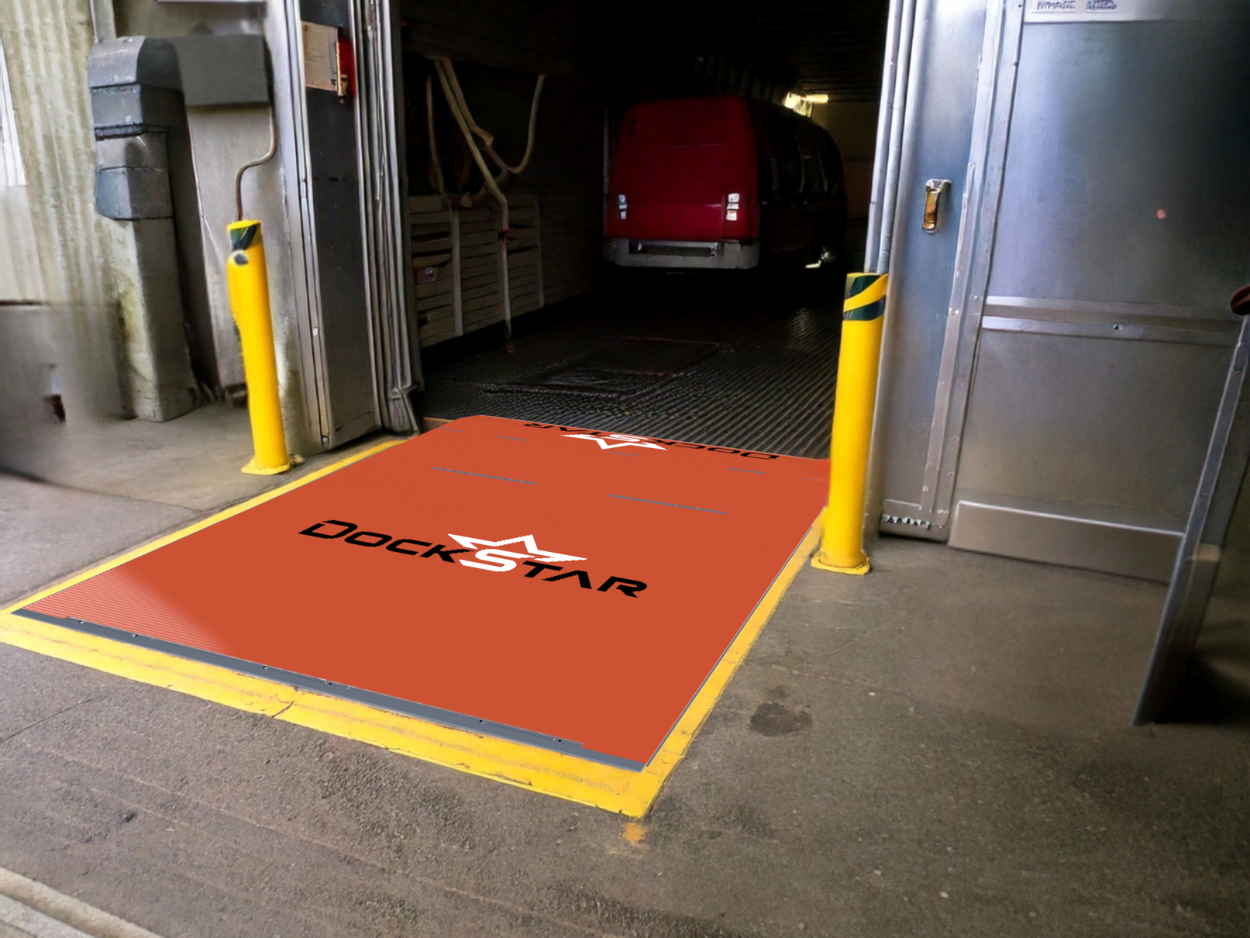
- Dock Levelers → Smooth AGV dock transfers
- Vehicle Restraints → Trailer control for safe robot approaches
- Telescopic Conveyors → Faster trailer unload to AGV handoff
- Pedestrian Barriers & Guardrail → Clear separation of AGV lanes

Check out our Solutions!
When Unified Resources needed to create functional office space inside an active warehouse without sacrificing valuable operational square footage, they partnered with DockStar Industrial for a fully customized prefabricated warehouse office solution. The project called for a large-scale modular office buildout that would provide multiple private offices, a conference room, and a break room—all while maintaining warehouse efficiency and minimizing disruption to the existing facility footprint. DockStar designed and supplied a complete in-plant office system tailored to the customer’s operational needs, creating a modern administrative workspace inside the warehouse while preserving critical storage and workflow areas.
Read MoreWhen a fast-moving industrial facility identified aging dock equipment, damaged doors, and outdated safety systems creating operational risk across multiple loading positions, they partnered with DockStar Industrial for a complete loading dock modernization project. Rather than replacing isolated components one at a time, the customer chose to complete a full dock renovation—upgrading every major piece of dock equipment across the affected loading positions to improve safety, efficiency, appearance, and long-term reliability. The result was a fully integrated dock package featuring new dock seals, vehicle restraints, communication lighting, dock accessories, and coordinated installation support designed to bring the entire dock system up to modern operational standards.
Read MoreAt busy service and distribution facilities, dock doors aren’t just building components—they’re critical operational assets. When doors begin showing signs of wear or become unreliable, it can slow operations, increase maintenance costs, and create safety concerns for employees working around the dock area. Earlier this year, DockStar partnered with a Northeast commercial facility to replace multiple aging dock doors with new heavy-duty sectional steel doors designed to support daily operational demands. The project required careful coordination across several stakeholders, detailed planning around door sizing and installation, and consistent communication to keep everything progressing on schedule.
Read More